
How Does An Inkjet Printer Work? Uncovering its inky little secrets
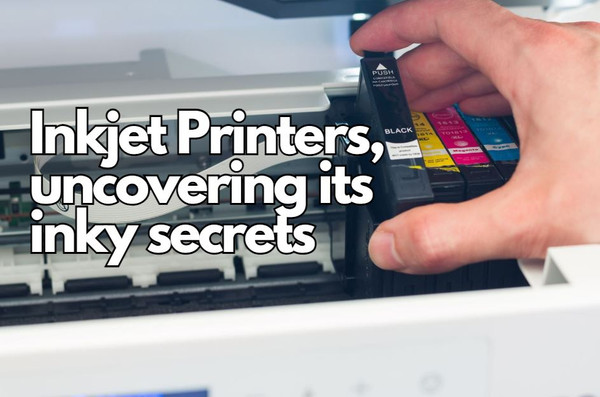
How an Inkjet Printer Operates | In Summary
We live in a digital world full of technology, a world that continues to take such huge leaps in what feels like no time at all and the humble inkjet printer allows us to bridge the digital and physical with ease and precision.
So to answer that question, how does an inkjet printer work, they put the smallest droplets of ink onto a sheet of paper, accurately and methodically crafting sharp detailed images and test.
This process is carried out through two main technologies, bubble jet (thermal) and piezoelectric, each with its unique mechanism for ink delivery. The extraordinary process relies up a number of different components working perfect harmony with one another.
The printhead moves over the paper to deliver the ink from the cartridge through nozzles. All this happens almost at the same time as paper is smoothly and quickly fed into place, all while being supervised by the printer’s software.
This brief introduction sets the scene for our journey together to answer the question, how does an inkjet printer work?
Different Types of Inkjet Printing
Bubble Inkjet Method
Bubble jet inkjet technology, also known as thermal inkjet, operates on the principle of rapid heating.
Each nozzle contains a heating element that, when activated, vaporizes a tiny amount of ink to form a bubble. The expansion of this bubble propels an ink droplet out of the nozzle and onto the paper. As the bubble collapses, more ink is drawn into the nozzle, preparing it for the next droplet ejection.
This method is renowned for its efficiency and speed, enabling high-resolution printing with remarkable clarity. Typically you’ll find a bubble jet print head to have 64 or 128 tiny nozzles that can fire a droplet of ink simultaneously.
Piezo Inkjet Method
Piezo, or piezo-electric inkjet printing works very differently to bubble jet printing.
It utilises a piezo crystal at each nozzle. A small electric current is passed through each crystal which causes it to change shape, therefore generating a pulse of pressure which then forces an ink droplet from the print head on to the page. When the crystal changes shape it then draws a new ink droplet on to the print head.
Unlike bubble jet printers, piezo inkjet printers do not rely on heat, making them suitable for a wider range of inks, including those that are sensitive to high temperatures.
This technology is prized for its precision and versatility, allowing for intricate control over droplet size and placement.
Components of an Inkjet Printer
Printhead Assembly
Right at the heart of the inkjet printer is the printhead.
This essential component that traverses the paper meticulously crafting images or text one minuscule ink droplet at a time not only holds the ink cartridges, it is also responsible for delivering ink from cartridge to paper. Nozzles within the printhead drop the ink on to the paper.
The technology powering the print head falls into two main categories: bubble jet (thermal inkjet) and piezo-electric inkjet. The printhead sits on a stabiliser bar that runs directly through the centre of an inkjet printer.
This allows the printhead to move back and forth over the paper.
Inkjet Cartridge
Your printer will generally have a 2 inks or 4 inks cartridge system.
The 2 ink cartridge system is a single black and single tri-colour cartridge. The black is self-explanatory whereas the tri-colour is to a degree. It has 3 colours, the fundamental colours used in almost every single inkjet printer, cyan, magenta and yellow. Each colour has its own separate ink well inside the cartridge.
The 4 ink system has 4 separate cartridges, 1 for each colour, black, cyan, magenta and yellow.
Higher end inkjet photo printers have additional cartridges to cater for specialised colours or enhancing photo-quality prints.
Paper feed assembly
Once paper is loaded in to the tray or top feed, feed rollers or pick up rollers grab the top sheet of paper of smoothly deliver in to the paper path so the printhead can work its magic.
Control circuitry
The control circuitry activates various parts within the inkjet printer. This includes feed or pick up rollers and stepper motor that moves the printhead along the stabiliser bar. An essential part for getting a blank piece of A4 paper one end to a beautifully printed price of A4 the other end.
Interface ports
Most modern inkjet printers have Wi-Fi connectivity as well as a USB printer port. With either you’ll be able to print from almost any laptop or PC as well as your tablet or smartphone with the support of apps such as Apple AirPrint, Epson iPrint, HP Smart and Brother iPrint&Scan.
Power supply
Your inkjet printer will either have an external power supply that looks like a laptop charger or simple mains lead, sometimes referred to as a figure 8 cable. If your printer has this then it has its own internal power supply, like you’ll find on most desktop computers.
Paper Handing in Inkjet Printers
Inkjet printers handle paper in much the same way. From input to output here is a brief but concise overview of that process:
Paper Loading
Paper will be loaded in to a paper tray or the top feed of the printer, adjusting the paper guide or sliders to the appropriate paper size or type including standard printer paper, photo paper and even envelopes.
Feed Rollers
Once paper has been loaded and a print job started this is where the pick up or feed rollers come to the party. They will draw the top sheet of paper from the tray or top feed and guide that sheet smoothly through the printer toward to print head. All the time it’s doing this these rollers will also prevent paper jams by picking up and feeding one sheet at a time.
Print Path
The paper will follow a specifically designed path to keep it flat as the print head moves across the paper. This ensures the highest quality prints possible.
Paper Type Adjustment
Inkjet printers adjust for various paper thicknesses and qualities, slowing down for photo paper to allow ink to dry, with settings selectable via the printer’s interface.
Output Handling
Printed documents exit to the output tray, where they're neatly collected. Some printers briefly pause before outputting to ensure ink dries, reducing smudges.
Sensors and Error Handling
Built-in sensors detect paper presence, size, and potential jams, pausing printing and alerting users to issues such as an empty paper tray or misfeeds for quick resolution.
Colour Mixing in Inkjet Printers
Colour mixing in inkjet printers is a sophisticated process that enables these devices to produce a wide spectrum of colours from a just 4 basic ink colours.
Typically, inkjet printers use the CMYK colour model, which stands for Cyan, Magenta, Yellow, and Key (black). There are higher end printers that may use colours outside this range such as light magenta or light cyan.
By combining these four basic colours in varying proportions and overlaying them in precise patterns, printers can create virtually any colour.
Advantages of Inkjet Printers
Why choose inkjet printing I hear you ask?
They are celebrated for their general versatility as well as being able to handle all sorts of different media types, outstanding colour output and multiple connectivity options. They are suitable for almost any user and can be used at home, for business and in educational settings. Inkjet printers and its consumables are also far cheaper to purchase than its laser counterparts.
In summary inkjet printers offer the perfect balance of versatility and cost-effectiveness for users with basic to medium printing needs.
Best 4 Inkjet Printers for Everyday Use
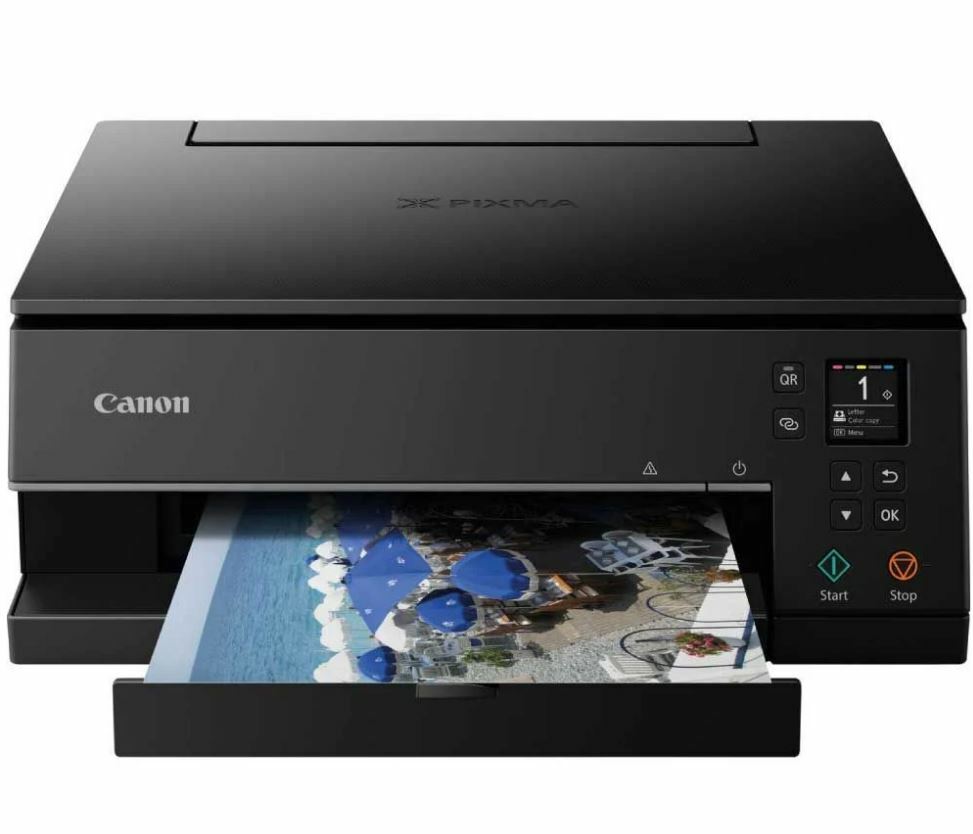
Canon Pixma TS6350A

- A4 Duplex Printing
- Wireless & Wired Connectivity
- Apple AirPrint
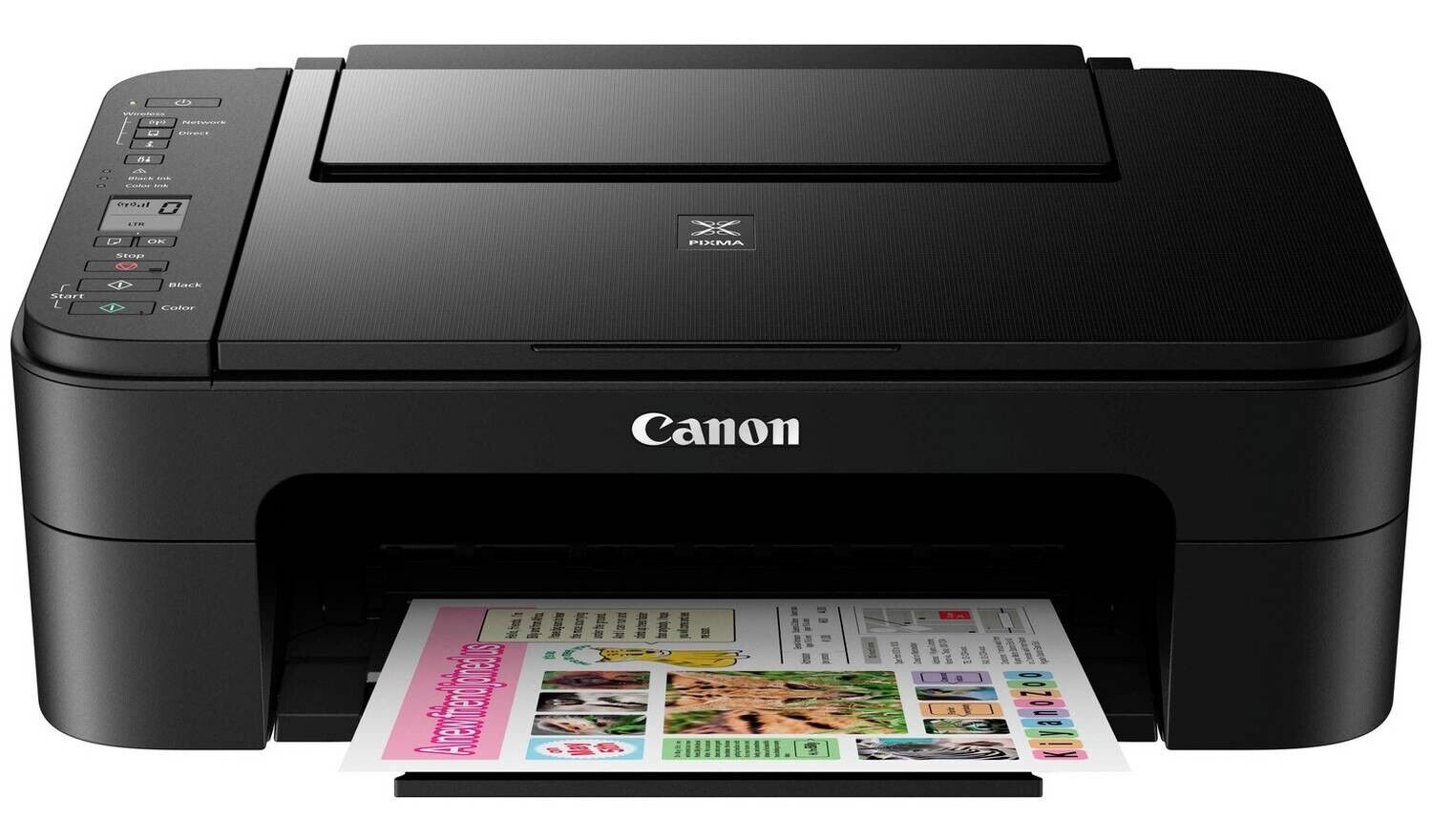
Canon Pixma TS3350
- Print, Copy, Scan
- Cloud & Apple AirPrint
- Small footprint
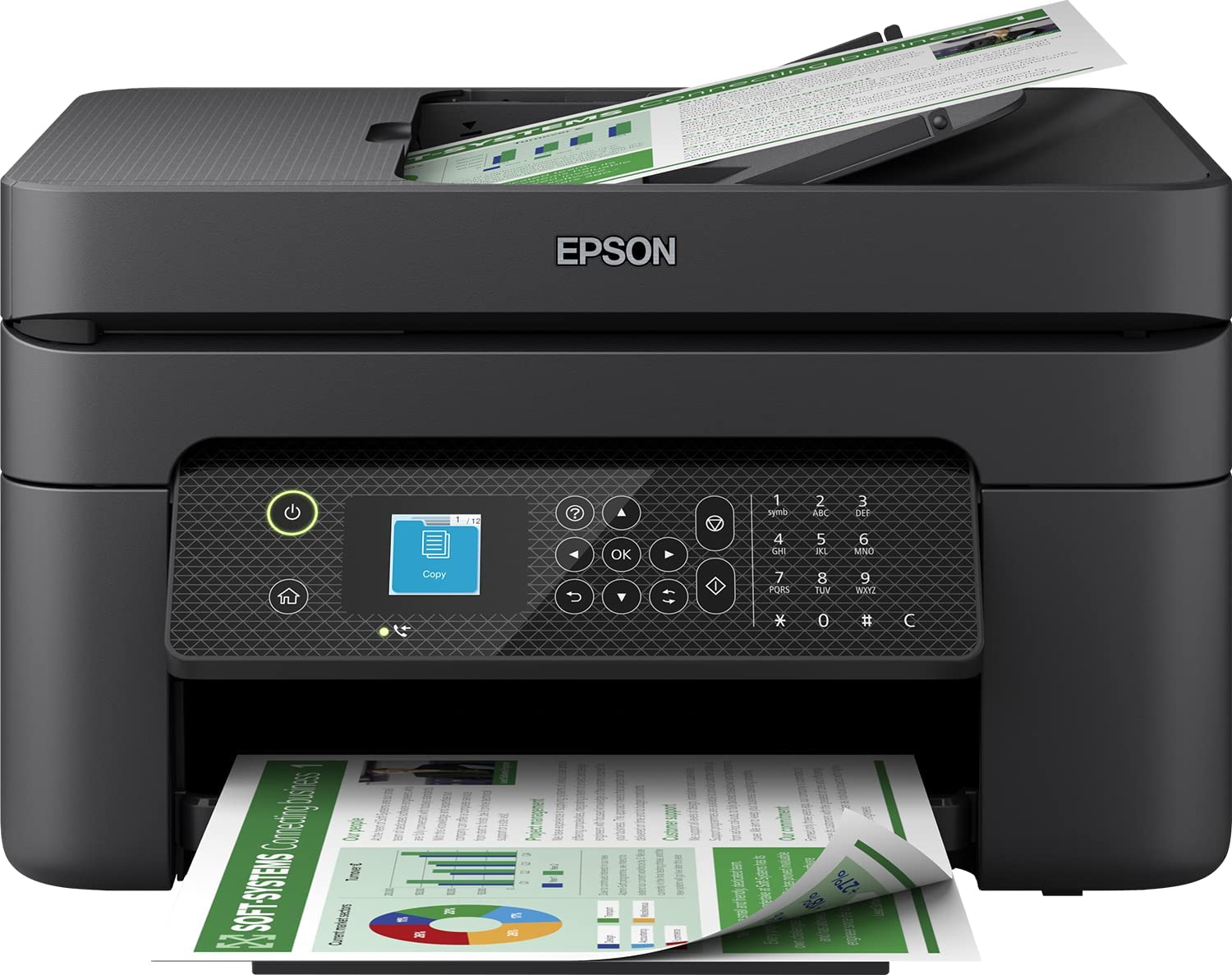
Epson WorkForce WF-2930DWF

- Multifunction with ADF
- 100 Sheet Paper Tray
- Auto Duplex
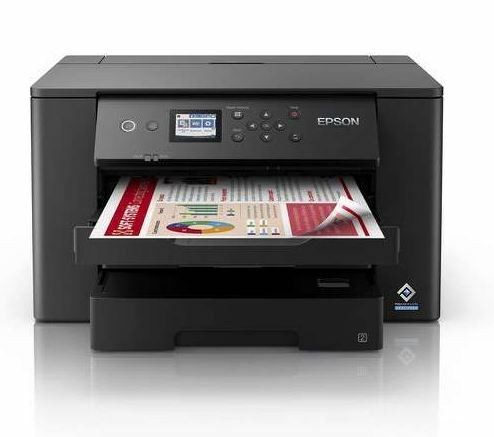
Epson WorkForce WF-7310DTW
- A4 and A3 Printing
- 2 Paper Trays
- AirPrint & Mobile Printing
Blog Author: Simon Cross is the engaging and knowledgeable voice behind the insightful articles on printers and printer consumables at IJT Direct, an ecommerce store renowned for its comprehensive selection of printers, printer consumables, and hardware. View Simons author page to find out more about him.
Browse Our Top Ink Cartridges